Articles
HVAC Contractor Tips and Articles For Your Home
How to Fix a Blank Honeywell Thermostat?
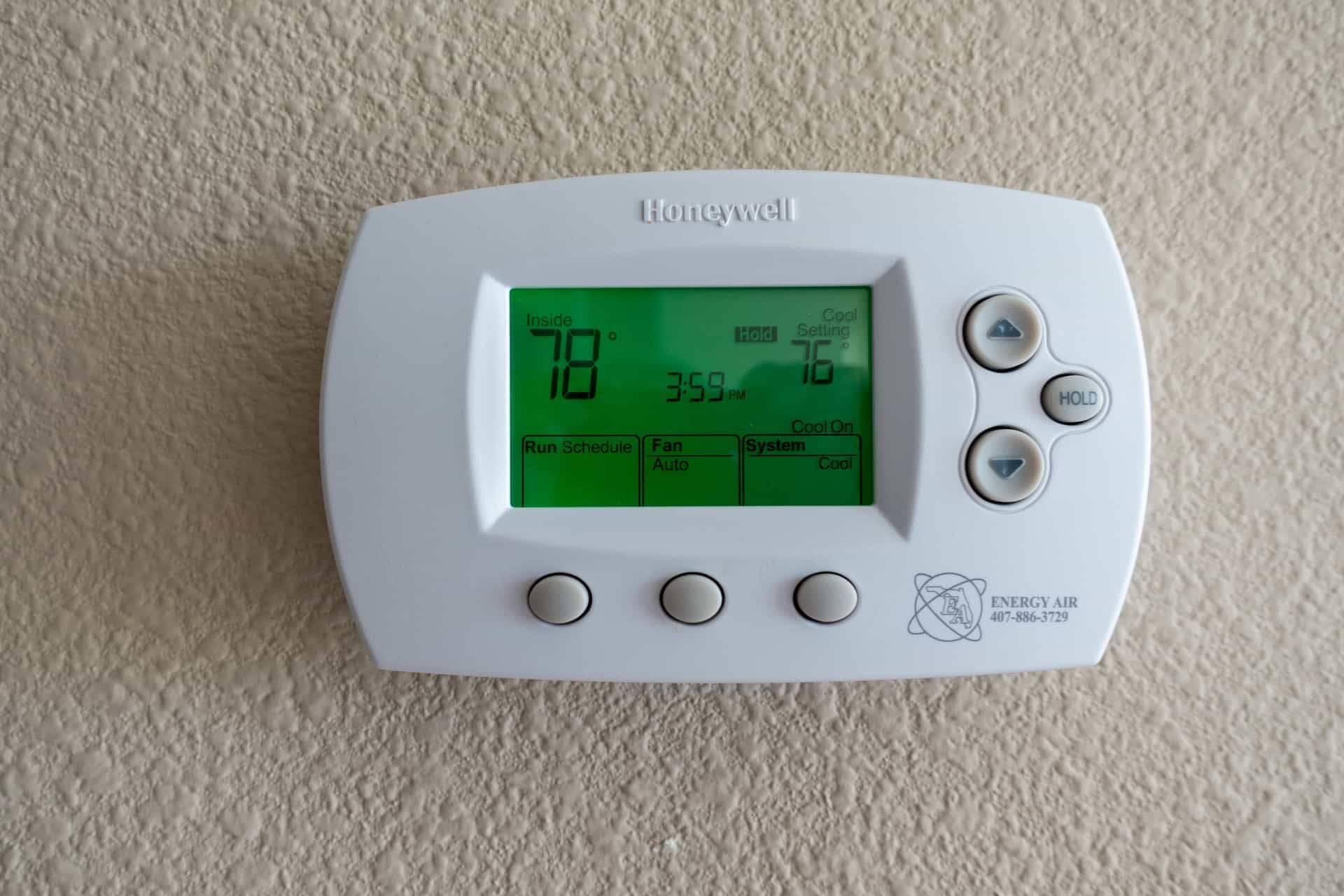
A blank thermostat screen can be alarming, especially when your heating or cooling system stops working at the same time. However, a blank display does not always mean the thermostat needs to be replaced.
A Honeywell thermostat blank screen usually means the thermostat has lost power. The cause may be dead batteries, a tripped breaker, an off HVAC power switch, a loose furnace panel, a clogged condensate drain, or an electrical problem within the HVAC system.
Start with the simple checks in this guide. Do not remove wires or open electrical controls unless you are trained to work with HVAC equipment.
Why Is My Honeywell Thermostat Screen Blank?
A Honeywell thermostat screen may go blank when it is no longer receiving the power it needs.
Some thermostats use replaceable batteries. Others receive low-voltage power through the HVAC system. Some can use both. Because power sources vary, replacing batteries will not solve every blank-screen problem.
Official Honeywell Home instructions commonly recommend checking the batteries, circuit breaker, HVAC power switch, and furnace door when the thermostat display is blank.
The most common causes include:
- Dead or incorrectly installed batteries
- A tripped HVAC circuit breaker
- An HVAC power switch that has been turned off
- A furnace or air-handler panel that is not closed
- A clogged condensate drain or triggered safety switch
- A loose thermostat faceplate
- A damaged wire or failed low-voltage component
- A thermostat that has stopped working
The following steps can help you identify which issue is affecting your home.
1. Make Sure the Screen Is Actually Blank
First, look closely at the thermostat display.
Some screens become very dim when they are not being used. A touchscreen may also enter a sleep mode and light up when you touch it. Other thermostats use a backlight that only turns on after a button is pressed.
Try the following:
- Touch the screen once.
- Press one of the temperature buttons.
- Look at the display from a different angle.
- Check whether any faint numbers or symbols are visible.
- Make sure the screen is not only showing a dark background.
A dim screen and a completely blank screen may have different causes. If the display remains completely empty, continue with the next step.
2. Check the Thermostat Batteries
Dead batteries are one of the simplest causes of a blank Honeywell Home thermostat screen.
However, not every thermostat uses batteries. Some units depend on power supplied by the heating and cooling system. Certain thermostats use batteries only as backup power.
How to Check the Batteries Safely
If your thermostat has replaceable batteries:
- Check the sides, top, or bottom for a battery compartment.
- If the thermostat must be removed from its wall plate, pull it gently and evenly.
- Do not pull on any wires.
- Remove the old batteries.
- Insert fresh batteries of the correct type.
- Match the positive and negative markings.
- Reattach the thermostat securely.
- Wait a few moments for the screen to return.
Honeywell Home manuals for battery-powered thermostats advise using fresh batteries and making sure they are installed in the correct direction.
Do not force the thermostat off the wall. Some designs use screws, catches, or other mounting methods. Check the thermostat instructions when it does not release easily.
If there is no battery compartment, the thermostat may receive power from the HVAC system. Continue to the circuit breaker and equipment checks.
3. Check the HVAC Circuit Breaker
A tripped circuit breaker can cut power to the furnace, air handler, air conditioner, and thermostat.
Find your home’s electrical panel. Look for a breaker labeled:
- Furnace
- Air handler
- HVAC
- Heating
- Air conditioning
- Thermostat
A tripped breaker may rest between the On and Off positions.
To reset it once:
- Move the breaker fully to Off.
- Wait a few seconds.
- Move it back to On.
- Check whether the thermostat screen returns.
Official Honeywell Home troubleshooting instructions list the circuit breaker as one of the first items to check when a thermostat display is blank.
Do not continue resetting the breaker if it trips again. Repeated tripping may indicate an electrical fault, short circuit, damaged motor, or another HVAC problem that requires professional attention.
4. Check the Furnace or Air-Handler Power Switch
Your furnace or air handler may have a separate power switch near the equipment. It can look similar to a regular wall light switch.
This switch may be turned off by accident during:
- Cleaning
- Maintenance
- Filter replacement
- Work in the utility room
- Moving stored items
- Home repairs
Make sure the switch is in the On position.
Do not press unfamiliar reset buttons or open electrical panels. If the system has power but the Honeywell thermostat display is still not working, continue with the next checks.
5. Make Sure the Furnace Door Is Closed
Many furnaces have a safety switch behind the front access panel. The switch can shut down power when the panel is removed or not seated correctly.
This protects people from moving or electrical parts inside the equipment. It can also cause a wall thermostat to lose power.
If the furnace panel was recently opened for a filter change or inspection:
- Turn off the equipment before touching the panel.
- Check that the panel is facing the correct direction.
- Align it with the cabinet.
- Push it into place without forcing it.
- Restore power and check the thermostat.
Honeywell Home troubleshooting guides repeatedly advise homeowners to make sure the furnace door is securely closed when the display is blank.
A damaged panel switch or misaligned door may require an HVAC technician.
6. Check for Water Near the Furnace or Air Handler
During cooling operation, the HVAC system removes moisture from indoor air. That moisture flows through a condensate drain.
If the drain becomes clogged, water can collect in the drain pan. Some systems have an overflow or float switch that shuts down equipment to help prevent water damage.
Depending on how the system is wired, this shutdown may also cause the thermostat screen to go blank.
Look for:
- Water around the furnace or air handler
- A full drain pan
- Water stains near the equipment
- A wet floor in the utility area
- A clogged drain line
- The air conditioner stopping during humid weather
HVAC manufacturers explain that a condensate overflow switch can shut down system operation when water reaches the switch’s trigger level.
Do not bypass the safety switch. Turning the system back on without correcting the drainage problem may lead to overflowing water and property damage.
An HVAC technician can clear the drain, inspect the pan, test the switch, and look for the reason the blockage developed.
7. Make Sure the Thermostat Is Seated on the Wall Plate
Some Honeywell thermostats attach to a separate wall plate. Electrical contacts on the back of the thermostat must line up correctly with the mounting base.
If the thermostat was recently removed, cleaned, painted around, or bumped, it may not be fully attached.
To check it:
- Turn off HVAC power at the breaker.
- Hold the thermostat by its sides.
- Gently press it toward the wall plate.
- Make sure it sits evenly.
- Restore power.
- Wait for the screen to start.
Do not twist the thermostat or push hard against the display.
If you remove the thermostat from the wall plate, do not disconnect or rearrange any wires. Honeywell Home installation instructions advise leaving wires connected unless the power is off and the user is following the correct installation process.
8. The Thermostat May Have Lost C-Wire Power
Many wired thermostats receive continuous low-voltage power through a common wire, commonly called a C-wire.
When this power supply is interrupted, the thermostat may have:
- A blank display
- A screen that restarts
- Lost Wi-Fi connection
- Unstable operation
- A display that turns on and off
Some Honeywell Home thermostats require C-wire power and will not operate without it. Other thermostats can use batteries, a C-wire, or both.
A loss of C-wire power does not always mean the wire itself is loose. The actual cause may be:
- A blown low-voltage fuse
- A failed transformer
- A damaged control board
- A loose connection
- A safety switch
- A wiring problem elsewhere in the system
These parts are usually inside the furnace or air handler. They should be tested by a qualified HVAC technician.
9. Do Not Reconnect Thermostat Wires Yourself
The previous version of this article advised homeowners to reconnect loose wires. That is not a safe general recommendation.
Thermostat wiring may look simple, but changing the wrong connection can:
- Blow a low-voltage fuse
- Damage the thermostat
- Damage the HVAC control board
- Cause the heating and cooling system to operate incorrectly
- Create an electrical shock risk
If you see a loose, burned, corroded, or disconnected wire, turn off the system and contact a professional.
Take a clear photograph before anyone changes the wiring. Do not assume wire colors always match the same functions because installation practices can vary.
10. Check Whether the Entire HVAC System Has Lost Power
A Honeywell thermostat blank screen may be a symptom of a larger system problem.
Check whether:
- The furnace or air handler makes any sound
- Other equipment in the area has power
- The HVAC breaker stays on
- The equipment switch is on
- The furnace panel is secure
- Water has triggered a condensate safety switch
- The thermostat has working batteries, when applicable
If both the thermostat and HVAC equipment are off, the issue may not be inside the thermostat.
Professional testing may be needed to check the transformer, fuse, control board, safety circuit, and power supply.
Should You Reset a Honeywell Thermostat With a Blank Screen?
A factory reset is usually not the first solution for a completely blank thermostat.
A thermostat cannot complete an on-screen reset when it has no power. Restoring the power source should come first.
You can check the batteries, breaker, HVAC switch, furnace door, and wall-plate connection. Once the screen returns, a reset may be considered only when the thermostat still has a software, Wi-Fi, schedule, or settings problem.
Do not repeatedly turn the HVAC breaker on and off. Rapid cycling may place unnecessary stress on heating and cooling equipment.
For detailed reset information, read Gleason’s separate guide on how to reset a Honeywell thermostat.
When Does a Blank Thermostat Need Replacement?
Do not assume the thermostat needs replacement just because its screen is blank.
The problem may come from the HVAC system rather than the thermostat. Replacing the thermostat will not correct:
- A tripped breaker
- A failed HVAC transformer
- A blown low-voltage fuse
- A loose furnace door
- A clogged condensate drain
- Damaged system wiring
- A failed control board
Replacement may be appropriate when:
- The thermostat receives proper power but remains blank
- The display works only at certain times
- The screen is physically damaged
- The thermostat frequently restarts
- Buttons or touchscreen controls no longer respond
- The thermostat is not compatible with the HVAC system
- A technician confirms that the thermostat has failed
A professional diagnosis can prevent you from replacing a working thermostat while leaving the actual system problem unresolved.
When Should You Call an HVAC Professional?
Contact an HVAC technician when:
- Fresh batteries do not restore the screen
- The breaker trips more than once
- The furnace or air handler has no power
- Water is collecting near the equipment
- The thermostat repeatedly turns off
- You see damaged or loose wiring
- The furnace panel will not close correctly
- The screen remains blank after basic checks
- Your home is becoming dangerously hot or cold
- Someone in the home depends on stable indoor temperatures
An HVAC professional can test whether the problem comes from the thermostat, wiring, transformer, fuse, control board, condensate switch, furnace, air handler, or air conditioner.
How to Help Prevent Another Blank Thermostat Screen
Some failures cannot be prevented, but routine care can reduce avoidable problems.
Helpful steps include:
- Replace thermostat batteries when needed
- Keep spare batteries available
- Make sure the furnace panel is closed after filter changes
- Avoid storing items against HVAC power switches
- Schedule regular HVAC maintenance
- Address condensate drain problems early
- Keep the area around indoor equipment dry
- Do not ignore breakers that trip repeatedly
- Have damaged thermostat wiring repaired
- Use a thermostat that is compatible with the HVAC system
Regular maintenance can also uncover loose connections, drainage problems, and worn electrical parts before they interrupt heating or cooling.
Restore Power Before Replacing the Thermostat
A Honeywell thermostat screen blank usually means the thermostat has lost battery power or power from the HVAC system.
Start with the safest checks. Touch the display, replace the batteries when applicable, check the breaker, confirm the equipment switch is on, and make sure the furnace panel is properly closed.
Also look for water near the air handler or furnace. A clogged drain and triggered safety switch may shut down the system.
Do not move thermostat wires or open electrical controls. If the display remains blank, contact Gleason Heating and Air Conditioning. A technician can inspect the thermostat and HVAC system to find the actual cause before recommending repair or replacement.
Frequently Asked Questions About a Blank Honeywell Thermostat
Why Is My Honeywell Thermostat Screen Blank?
The thermostat may have dead batteries, a tripped breaker, no power from the HVAC system, an open furnace panel, a triggered condensate safety switch, or an electrical problem. Start by checking its power source.
What Should I Do If My Honeywell Thermostat Is Blank?
Check whether the screen is asleep, replace the batteries when applicable, inspect the HVAC breaker, confirm the equipment switch is on, and make sure the furnace door is closed. Call an HVAC professional if the screen does not return.
Why Is My Honeywell Thermostat Not Coming On?
The thermostat may not be receiving power. Possible causes include dead batteries, an off breaker, a failed transformer, a blown low-voltage fuse, a safety switch, or damaged wiring.
Why Does My Thermostat Have No Power?
A wall thermostat may lose power when the HVAC system loses electricity or when a safety device shuts the equipment down. Battery-powered thermostats may also stop working when their batteries die.
Will Replacing the Batteries Fix a Honeywell Thermostat Blank Screen?
It may fix the problem when the thermostat depends on batteries. However, some thermostats receive power through a C-wire and do not use replaceable thermostat batteries.
Should I Reset a Honeywell Thermostat With a Blank Screen?
A reset usually will not help until power is restored. Check the batteries and HVAC power supply first. Use the separate thermostat reset guide if the display works but the thermostat settings or software is not responding correctly.
Can a Clogged AC Drain Make the Thermostat Go Blank?
It can happen in systems where a condensate safety switch interrupts HVAC or thermostat power. Look for water near the indoor equipment and contact an HVAC professional rather than bypassing the safety switch.
Disclaimer: The information on this website and blog is for general informational purposes only and is not professional advice. We make no guarantees of accuracy or completeness. We disclaim all liability for errors, omissions, or reliance on this content. Always consult a qualified professional for specific guidance.
Recent Posts